ShowcaseAI Automation
ReachPilot
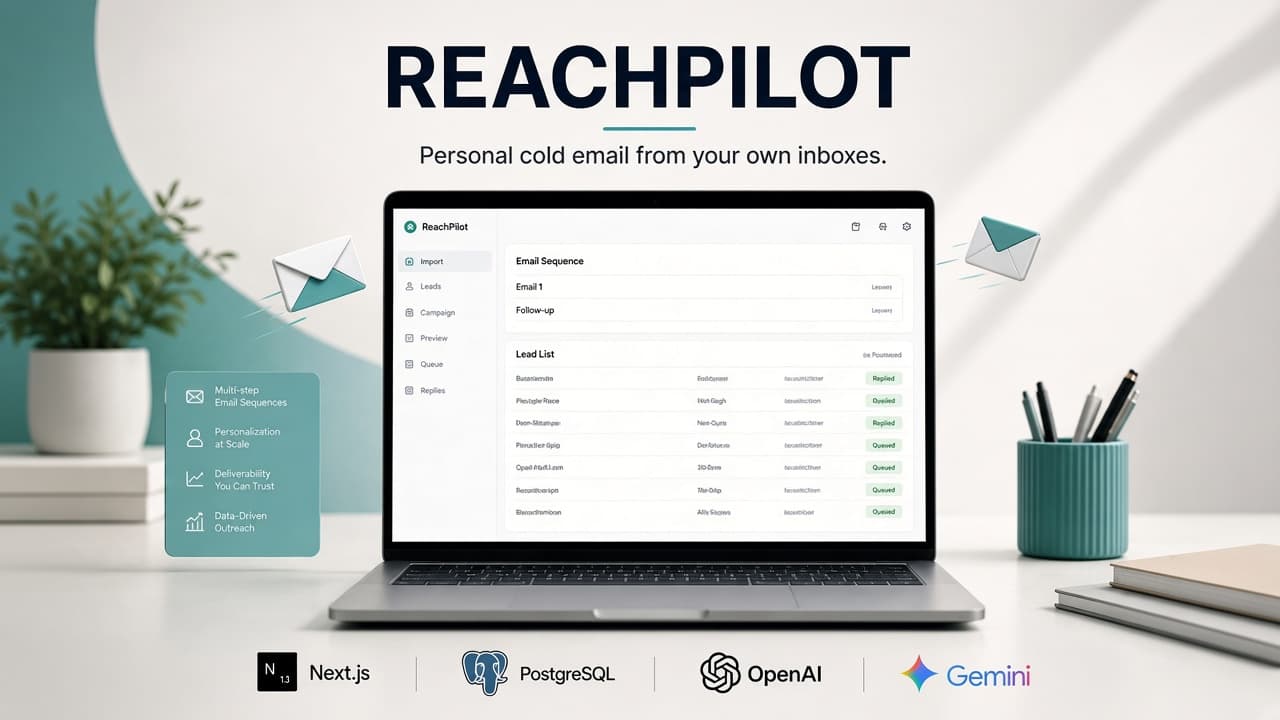
ReachPilot imports leads, writes a personal email for each one, and sends multi-step sequences from your own inboxes. Replies, bounces, and unsubscribes stop the sequence.
The problem
Mail-merge stays generic. A shared sending pool burns the domain. Follow-ups keep going after someone already answered.
The solution
Bring your own Gmail, Workspace, Microsoft 365, or SMTP inboxes. AI writes from the lead row and your brief. Caps, warmup, and reply detection protect the mailboxes you already own.
ReachPilot is a cold-email workspace: connect inboxes, import a CSV, write a campaign brief, preview the exact email each lead will get, then run the queue. Follow-ups stay in the same thread and always leave from the inbox that sent the first email. Gemini or OpenAI writes with your key. Bounce rate, provider blocks, and auth failures pause the queue instead of quietly damaging the domain. A reply, unsubscribe, out-of-office, or bounce suppresses that lead.
Implementation
CSV import with column mapping, per-lead AI or template merge, sticky multi-inbox sequences, IMAP reply sync, and queue controls for start, pause, and stop.
Architecture
Next.js app on Cloud Run, Postgres on Supabase, Prisma. Sending is SMTP from the customer's inboxes. A scheduler drains the queue. IMAP checks replies, unsubscribes, out-of-office, and bounces. Inbox passwords and API keys are encrypted at rest. Every query is scoped to the signed-in workspace.
Tech stack
- Next.js
- PostgreSQL
- OpenAI
- Gemini
Results
- Each lead can get a personal email, not one merged blast
- Sending stays on the customer's own inboxes
- A reply or bounce stops the rest of that sequence
FAQ
Does ReachPilot send from a shared pool?
No. You connect your own mailboxes. Each inbox has its own daily and hourly caps, send window, and optional warmup.
What happens when someone replies?
IMAP matches the reply, unsubscribe, out-of-office, or bounce to the lead and suppresses them so later steps do not go out.
Which models write the email?
Gemini or OpenAI, with your own API key. You can also send a template with merge tags and no model at all.